How do you trade futures on OKX as a beginner without blowing up your account?
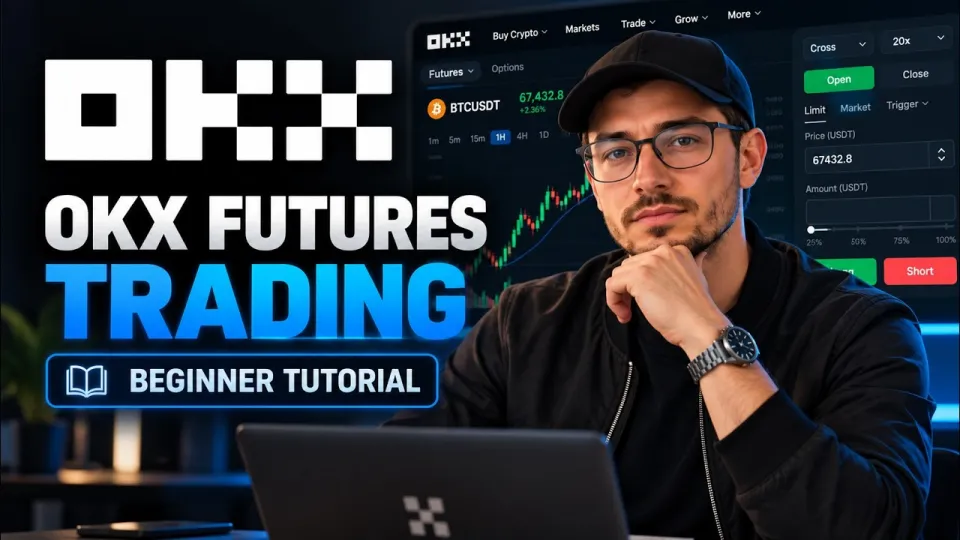
Video: OKX Futures Trading or How to Trade Futures on OKX for Beginners
Key takeaways
- Futures trading on OKX starts with a transfer from your funding account to the futures wallet — spot balances are not usable as margin until moved.
- Leverage multiplies both position size and liquidation risk: at 10x, a 1% adverse move equals roughly 10% of the posted margin.
- A futures position is opened as long (buy) or short (sell) with isolated or cross margin and a chosen leverage level.
- Every position should be closed with a reduce-only or market close order, not by opening an opposite trade blindly.
- Risk controls — stop-loss, take-profit and liquidation price awareness — matter more than the entry itself.
Futures trading on OKX means opening a leveraged contract on a crypto asset's price without owning the underlying coin, using margin from your futures account. To start, you register via the OKX sign-up link, transfer USDT from your funding account to the futures wallet, pick a contract, set leverage and margin mode, then place a long or short order with a stop-loss. The channel Binances Club walks through exactly this flow in its beginner tutorial, and the steps below explain each part in plain terms.
What OKX futures trading actually is and how contracts work
An OKX futures contract is an agreement to profit or lose from the price movement of an asset, settled in a stablecoin such as USDT rather than by delivering real coins. Each contract has a fixed face value — for example, one BTC-USDT perpetual contract represents 0.01 BTC — so the number of contracts you enter determines your notional exposure, not the dollar amount you type in.
Two features define the product:
- Perpetuals have no expiry. You can hold a position indefinitely as long as your margin covers it, paying or receiving a funding fee every few hours depending on whether the perpetual trades above or below spot.
- Delivery futures expire. Quarterly contracts settle on a fixed date, which suits traders with a defined horizon but forces them to manage rollover.
- Settlement is in stablecoin. Profits and losses land in your futures wallet as USDT, so you never receive the underlying asset.
Because contracts are sized in coins rather than dollars, always check the contract specification before sizing a trade — a "1 contract" order on BTC and on DOGE represent very different amounts of risk.
Step one: move funds into the futures wallet
Your spot balance does not automatically back futures positions, so the first practical step is a transfer. On OKX, open Assets, choose Transfer, select USDT, and move the amount from your Funding or Trading account to the Futures account. The transfer is instant and internal, with no network fee.
Keep the amount deliberate. A common beginner mistake is funding the futures wallet with the entire portfolio, which turns a single leveraged mistake into a total loss. A separate, small futures balance makes the risk visible and caps the damage.
How leverage and margin change your risk on OKX
Leverage is a multiplier on your margin, not free money. If you post 100 USDT at 10x, you control a 1,000 USDT position; a 1% move in your favor earns about 10 USDT, and a 1% move against you costs about the same. At 20x the same 1% move wipes out roughly 20% of the margin, and a 5% adverse move is enough to trigger liquidation.
OKX offers two margin modes:
- Isolated margin confines the loss to the margin assigned to that single position. This is the safer default for beginners.
- Cross margin shares the whole futures wallet balance across positions, which keeps trades alive longer but puts the entire balance at risk.
Leverage can be adjusted per contract, and higher tiers require larger position sizes. Start at 2x–5x, where a liquidation requires a large move, and raise it only after you have measured how a position behaves through a full trade.
Reading the OKX futures interface before you place an order
The futures workspace is dense, but it splits into four functional zones. The chart sits in the center, with timeframes, drawing tools and indicators such as moving averages, RSI and volume. On the right is the order panel: contract selector, long and short buttons, order type, price, quantity and leverage. Below the chart you find open positions, open orders and order history. The top bar shows mark price, index price, funding rate and the countdown to the next funding settlement.
Before clicking buy or sell, confirm three numbers: the contract you selected, the leverage shown next to the margin mode, and the estimated liquidation price the panel displays once you enter a quantity. That liquidation figure is the single most useful number on the screen — it tells you exactly where the exchange will close the trade for you.
Opening a long or short position and choosing the right order type
Opening a trade takes a few deliberate clicks. Select the contract, set margin mode and leverage, choose the order type, enter quantity, optionally attach a take-profit and stop-loss, then confirm.
Order types worth knowing:
- Market order fills immediately at the best available price — fast, but with slippage in thin books.
- Limit order fills only at your price or better, giving control at the cost of possibly missing the move.
- Stop order triggers a market or limit order once a chosen price is hit, useful for breakout entries.
- TP/SL attached to the position closes it automatically at your target or your maximum acceptable loss.
A long position profits when price rises; a short position profits when price falls. Both use the same margin mechanics, and both can be liquidated — a short is not a hedge unless it is deliberately sized as one.
Closing a trade properly and managing risk
Closing means reducing your position to zero, and the clean way to do it is the Close button on the position row, which sends a reduce-only order that cannot accidentally open an opposite position. Partial closes let you take profit in stages: sell half at the first target, move the stop to break-even, and let the rest run.
Risk management is what separates a survivable futures account from a blown one:
- Define the stop-loss before entry, not after the position turns red.
- Risk a fixed small percentage of the futures balance per trade, typically 1–2%.
- Avoid holding highly leveraged positions through major news events, when spreads widen and liquidation cascades accelerate.
- Track the funding rate on perpetuals, since a crowded position pays a recurring fee.
- Withdraw profits periodically so the account balance reflects real gains, not recycled margin.
Useful links
- Register on OKX and start trading futures — the exchange used throughout the Binances Club tutorial.
Final takeaway
OKX futures trading is a mechanical process — fund the futures wallet, choose leverage and margin mode, size the contract correctly, attach a stop-loss, and close with a reduce-only order — wrapped around a risk decision that no interface can make for you. Beginners should treat the first weeks as practice at low leverage with small size, because the platform's tools only protect traders who use them deliberately. The Binances Club video is a useful visual companion to these steps, showing the same panels and buttons in motion. If you are ready to try it with a small balance, sign up through the OKX link and start with isolated margin at low leverage.
Questions & answers
How much money do I need to start futures trading on OKX?
There is no fixed minimum, but contract sizes set a practical floor — one BTC-USDT contract equals 0.01 BTC, so the required margin depends on price and leverage. Beginners typically start with a small balance they can afford to lose entirely, kept separate from their spot holdings.
What happens if my OKX futures position gets liquidated?
The exchange closes the position automatically when the mark price reaches your liquidation level, and the margin assigned to that position is lost. With isolated margin the loss stops there; with cross margin the exchange can draw on the rest of your futures wallet balance.
Is it better to use isolated or cross margin as a beginner?
Isolated margin is the safer default because it caps the loss at the margin you allocate to a single trade. Cross margin keeps positions open longer by sharing the whole wallet balance, but a single bad trade can then threaten the entire account.
Do OKX perpetual futures charge fees for holding a position?
Yes. Perpetual contracts settle a funding fee every few hours, paid between longs and shorts depending on whether the contract trades above or below spot. The rate is shown on the trading interface along with the countdown to the next settlement.
Source: OKX Futures Trading or How to Trade Futures on OKX for Beginners · Markdown version